
A complete preparedness system, organized for real households.
Five areas that work together — and keep working when the network doesn't. Everything below is included in both plans; household sharing is what Family adds.
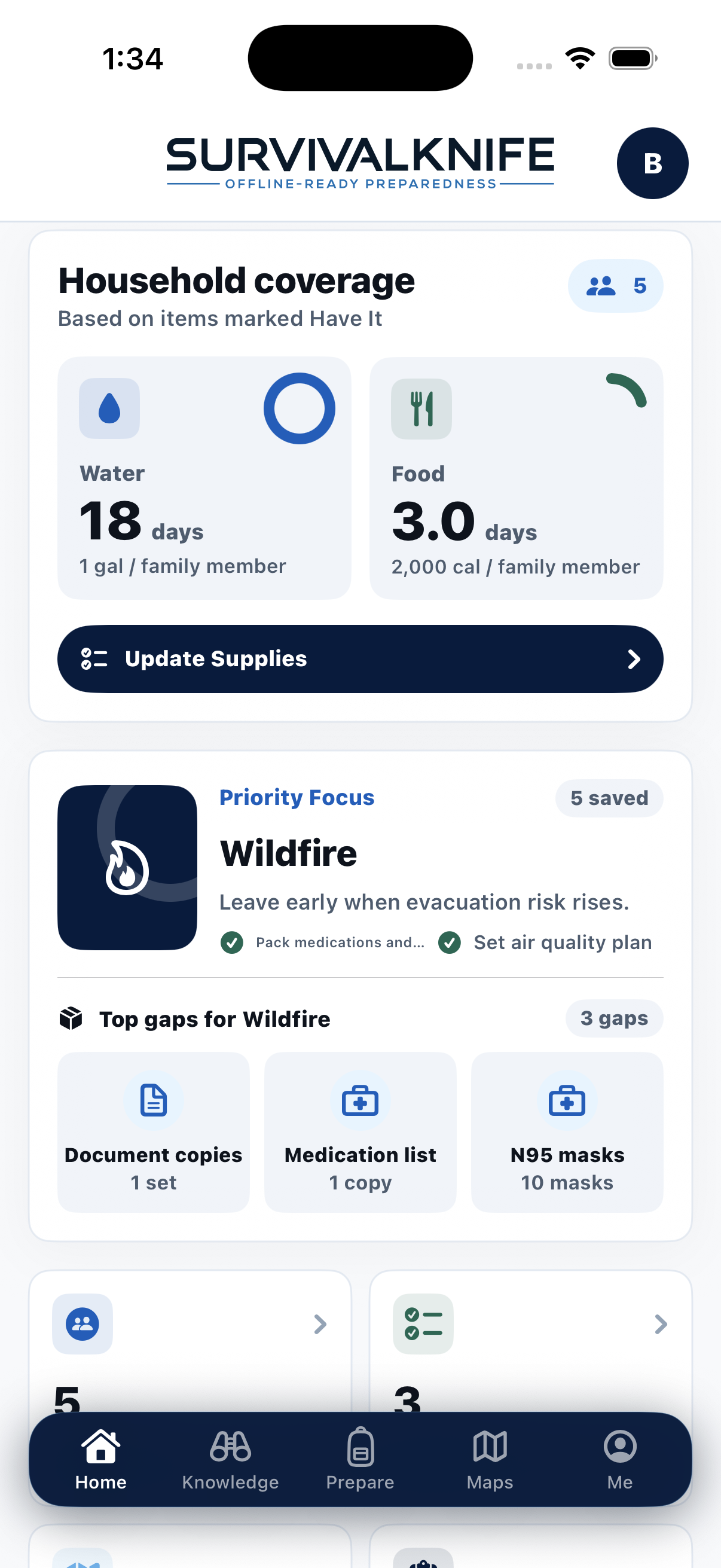
Your readiness, at a glance.
Readiness dashboard
Setup progress, household food and water coverage, and the priority gaps for the scenario you're preparing for.
Search SurvivalKnife
One search box across the offline Field Guide and your saved materials, with results you can open directly.
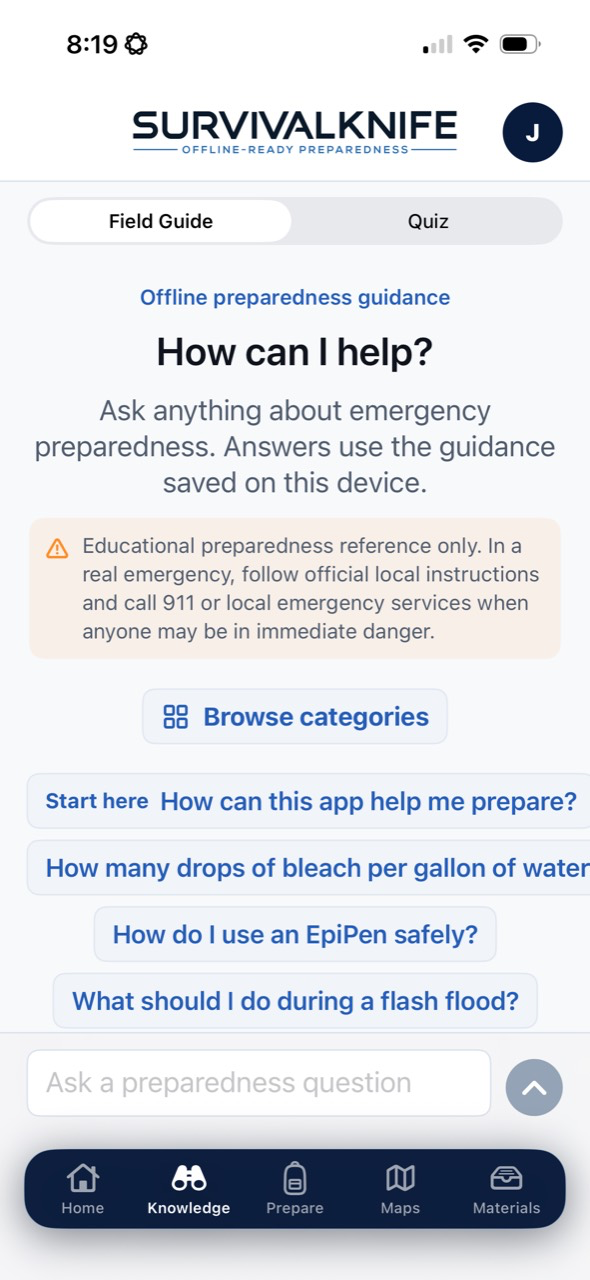
Learn the concepts that matter — calmly, in advance.
Offline Field Guide
Searchable, curated guidance that works with no connection — first aid basics, shelter, water, food, weather, navigation, and regional hazards. Core content is drawn from public sources, cited in-app (FEMA, CDC, EPA, NWS/NOAA, U.S. Army field guidance).
Saved Materials
Build your own offline knowledgebase by sharing articles, documents, images, routes, and notes into the app from your browser and other apps — organized and searchable.
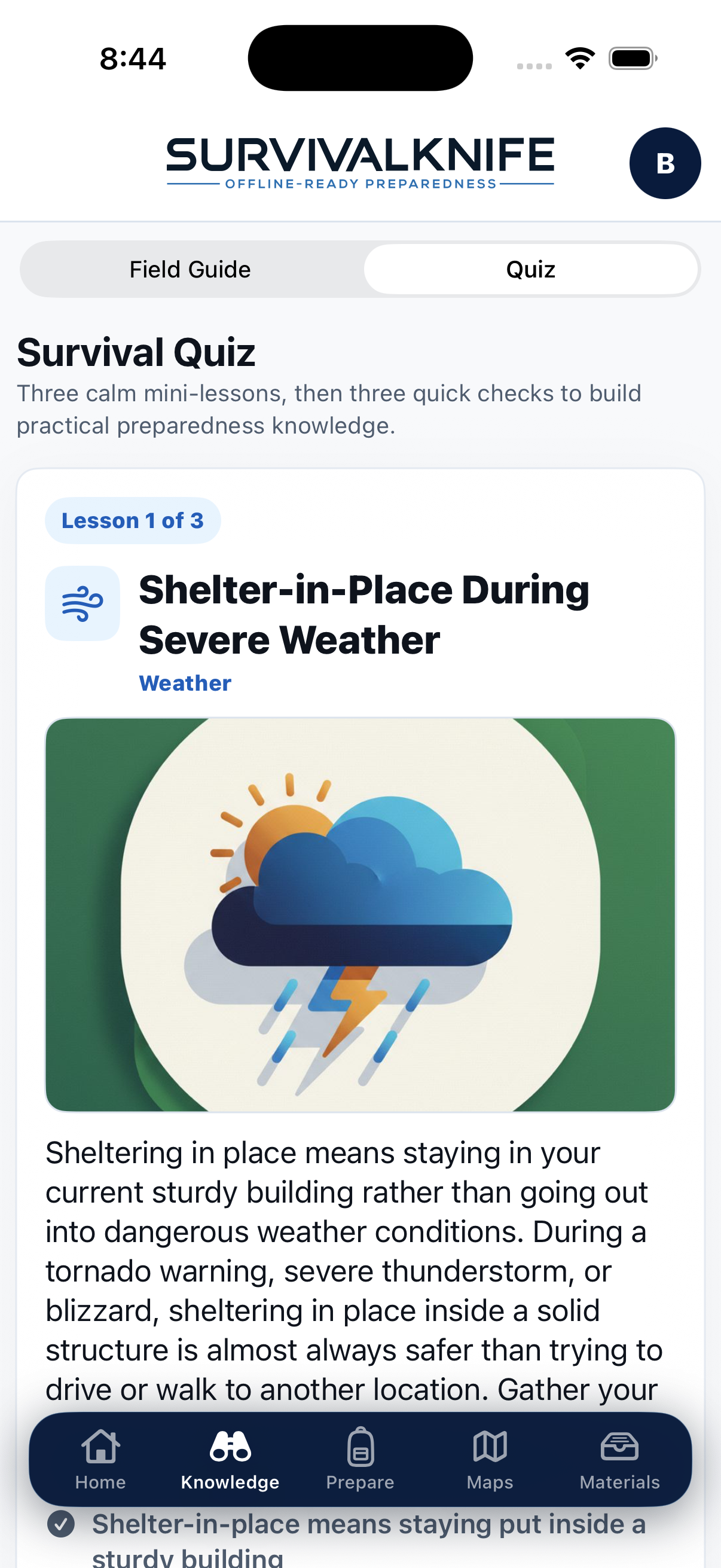
A few minutes a day builds lasting knowledge.
A short daily lesson
Calm mini-lessons followed by quick checks — family-safe, illustrated, and written for a few spare minutes, not a study session.
Streaks, skill points & bonus questions
Habits that stick: daily streaks, skill points across preparedness categories, and bonus questions when you want to keep going.
Household quiz streaks
FamilyWith Family, the whole household plays together toward shared household streaks — and younger members get Youth View, which shows only what a guardian has approved.
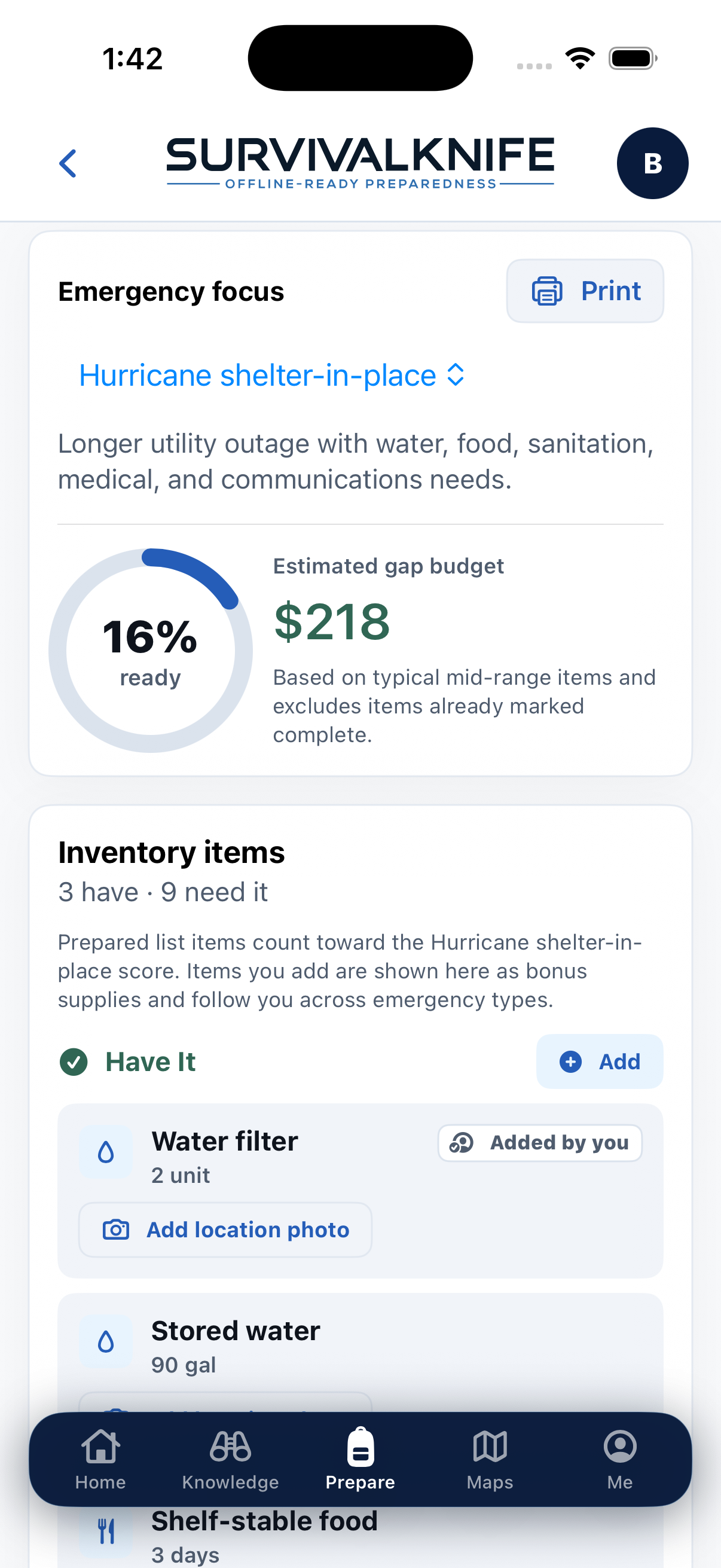
Turn intention into a working, scored plan.
Emergency Plans
Start from scenario-based starter plans, then customize editable checklists, notes, photos, and supply lists.
Inventory & Score
Track what you Have and what you Need, with an animated readiness score and an estimated gap budget for your scenario.
Ration Calculator
Estimate how many days your current supplies cover, with USDA-cited calorie data.
Food & Water Calculator
Size up calorie and drinking/sanitation water targets for your whole household.
Navigate and stay oriented — even with no signal.
Offline maps for every U.S. state
Download map packs by state (all 50 + D.C.) so areas stay viewable with no connection.
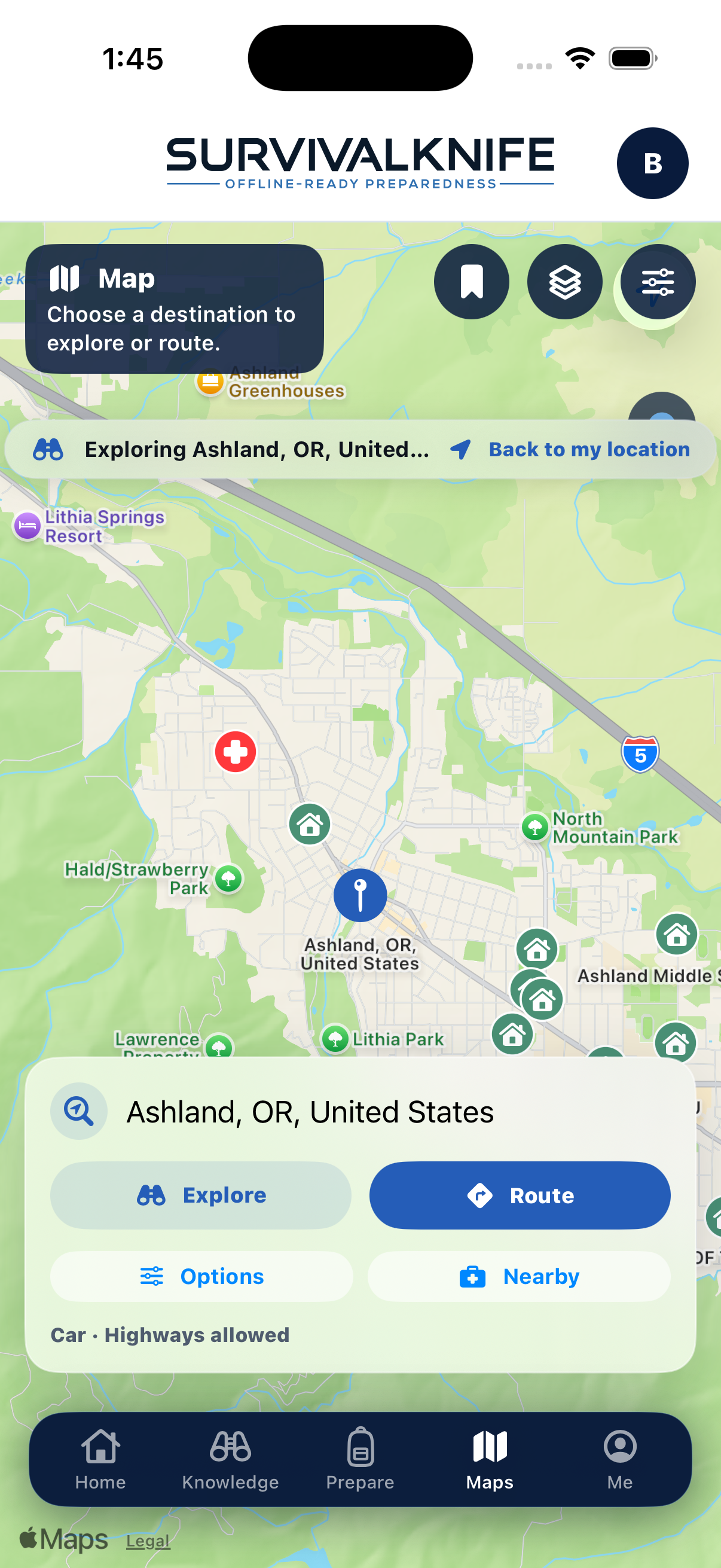
Turn-by-turn navigation, offline
Full offline turn-by-turn routing and automatic rerouting once an area is downloaded — plus Explore mode to search any destination and plan ahead.
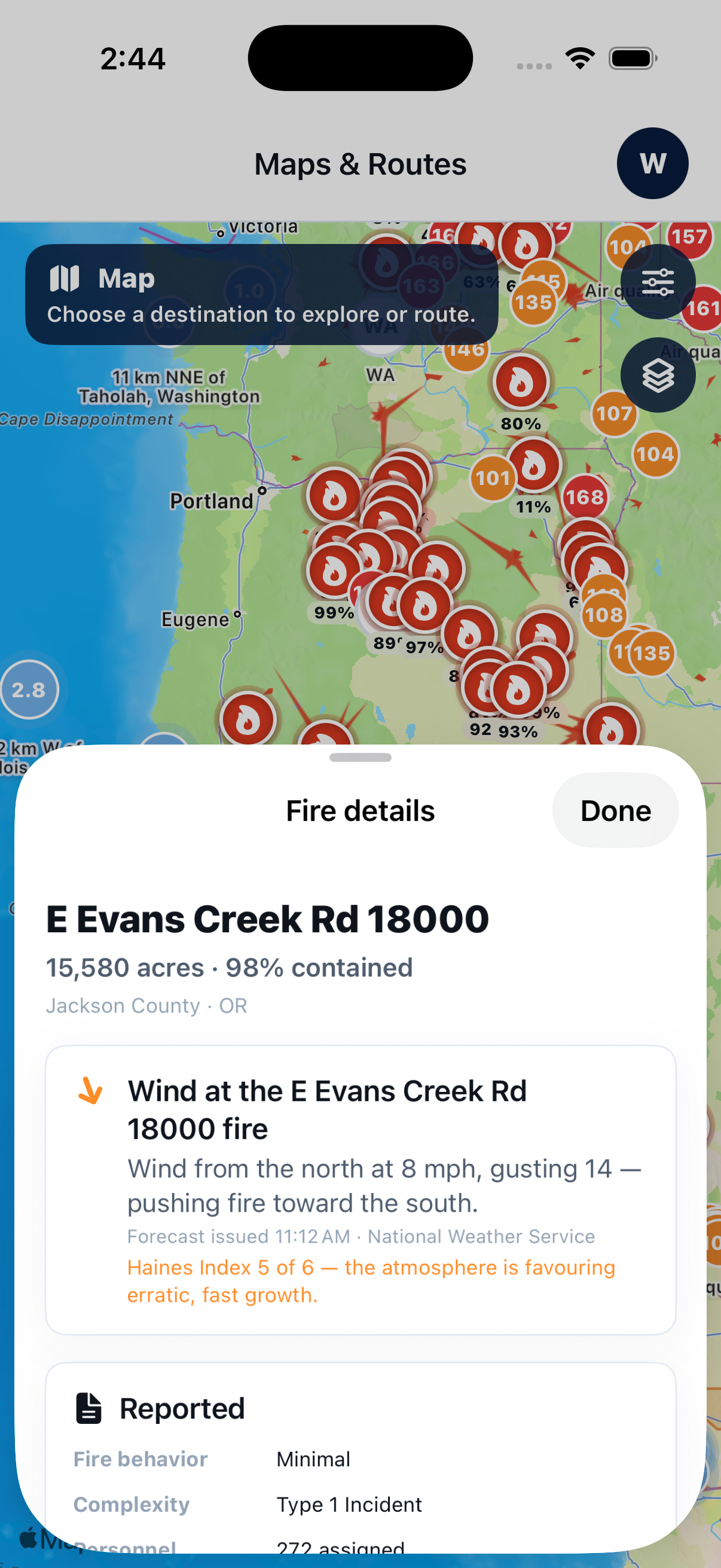
Hazard-awareness layers for planning
Plan routes with awareness of advisory layers — wildfire activity, severe-weather alerts, and FEMA flood-zone advisories — alongside layers for facilities, cell coverage, power, and evacuation routes.
Save routes, meeting places & key locations
Keep hospitals, shelters, meeting places, and key spots ready for when service is out; hospitals and shelters are available nationwide without a download.
Hazard, facility, and infrastructure layers are advisory and modeled — useful for planning awareness, not a guarantee of conditions at a specific place or along a route. Facility and services markers come from mapped place data, not a verified live feed.
The people and records that make plans useful.
Household Profile
Members, pets, ages, blood types, medical and mobility notes, key contacts, addresses with dwelling details, and vehicles — plus printable medical and contact wallet cards.
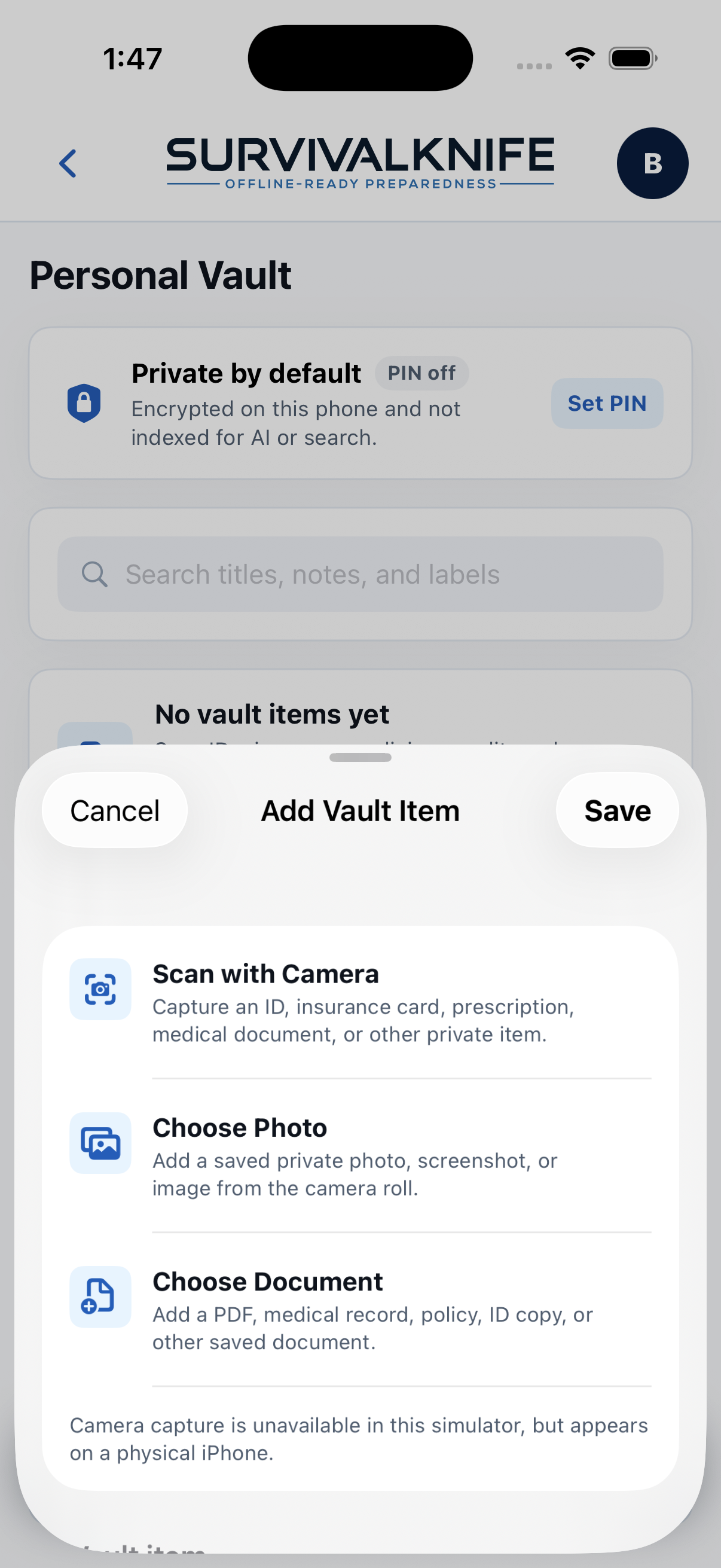
Personal Vault
A private place for sensitive records — IDs, insurance, prescriptions, medical. Kept out of AI and general search, and it never syncs: vault contents stay on your device, not shared with your household. Set a vault PIN to encrypt it all on-device.
Household sharing
FamilyUp to 5 people total — you plus 4. Plans, saved materials, routes, inventory, and one household profile stay in sync on everyone's phone. Younger members get Youth View, a simplified version showing only what a guardian has approved.
AI planning you direct, and you approve.
Included in both plans- Plans built from your household — members, medical and mobility needs, pets, dwelling type, vehicles, and the hazards where you live. Not a one-size template.
- It asks instead of guessing. When something isn't on file, the plan leaves a blank for you to fill rather than inventing an answer.
- Fill-in-the-blank fields write back into your real household records — plans are editable, savable, and printable.
- Minimized, and yours to switch off. Family profiles are sent with first names only, and never with their phone numbers or email addresses. Your saved emergency contacts and addresses are sent in full so plans can reference them. The Field Guide stays offline, and your Personal Vault is never sent. AI is on by default and can be turned off any time in Settings → Privacy.

Tools that keep working when the network doesn't.
Build your household's system — calmly, in advance.
Every install starts with a 14-day free trial of the whole app.
Download on the App Store →